Hello,
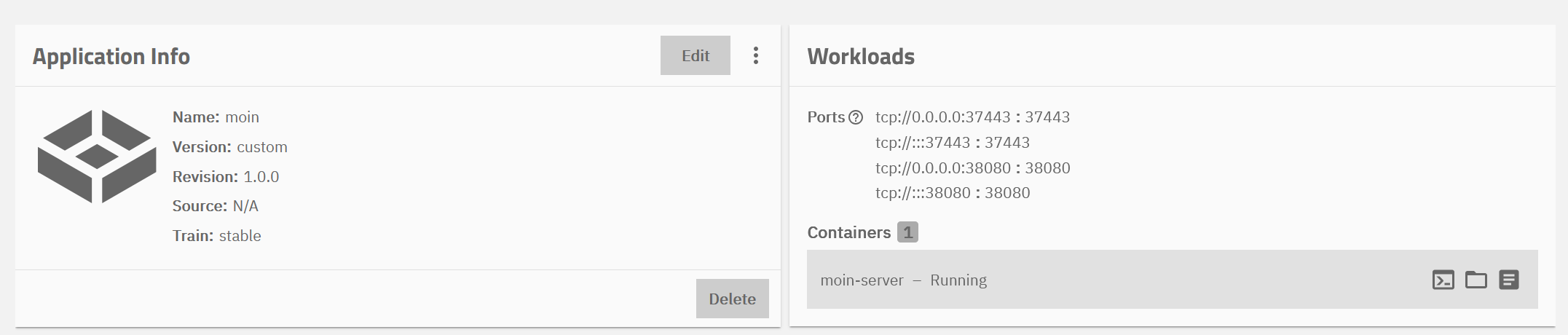
I installed Moin on Truenas via Docker .yaml config.
Worked well, managed to add my phone as owner. Sadly i didn’t read that you can’t add other (admins) devices from the phone.
When i create a shell and try to create another admin i get this error:
moin@cfb7dbbaf9f5:~$ moin-server admin --config /config/moin-server.toml invites create --role admin --max-claims 1 --expires-in 1d
error: invalid access settings
I do have the moin-server.toml with:
[access]
invites_enabled = true
bootstrap_secret = "leer"
So which access Setting is invalid?
2026-10-25 19:30:03.644161+01:002026-10-25T18:30:03.644097Z INFO audit: privileged action actor=local action=create_invite role=admin outcome=Access(InvalidSettings)
So i tought why not just Delete the Data and create a NEW server right?
Well… i did… but i cannot join via Endpoint anymore. Is this an issue Serverside because a similar Server existed 3 minutes ago?
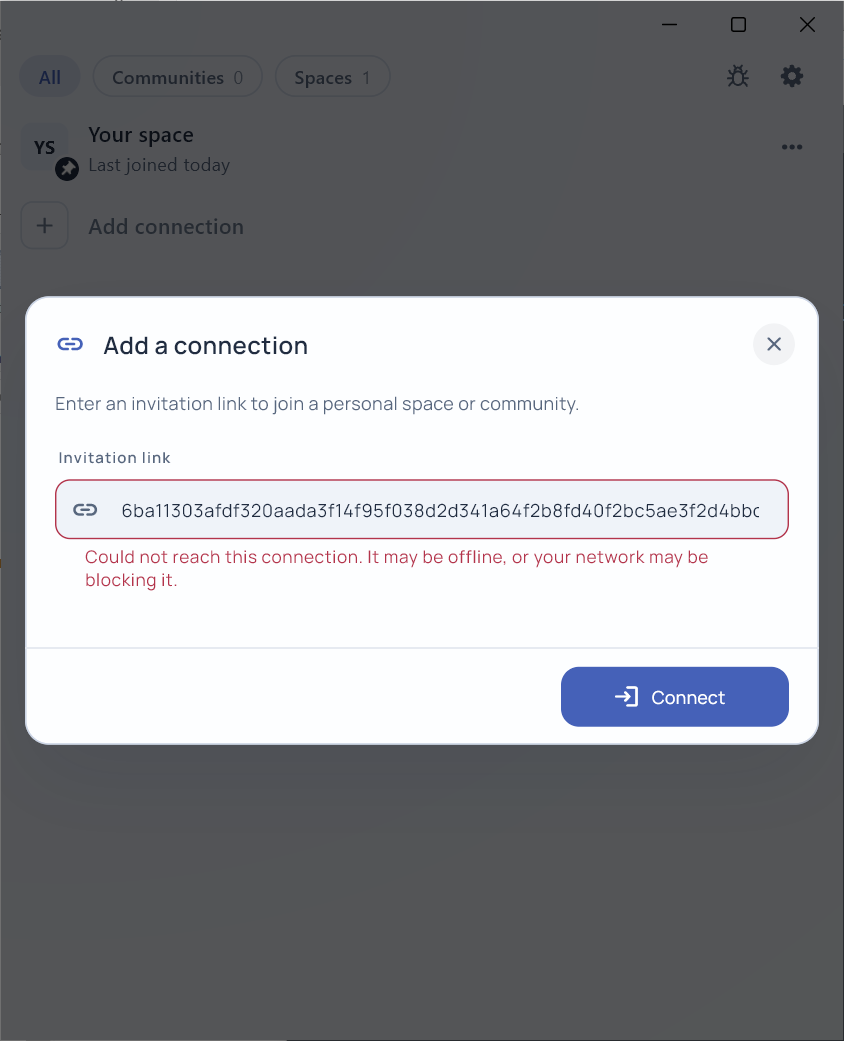
Edit: My fault… i didn’t map the Ports correctly in the yaml! First time around that worked fine. Second time not anymore.